Why has multi-factor authentication (MFA) been introduced at CTU?
This step significantly strengthens the protection of user accounts and sensitive data. At the same time, it ensures more secure access to CTU information systems.
What does this mean for me?
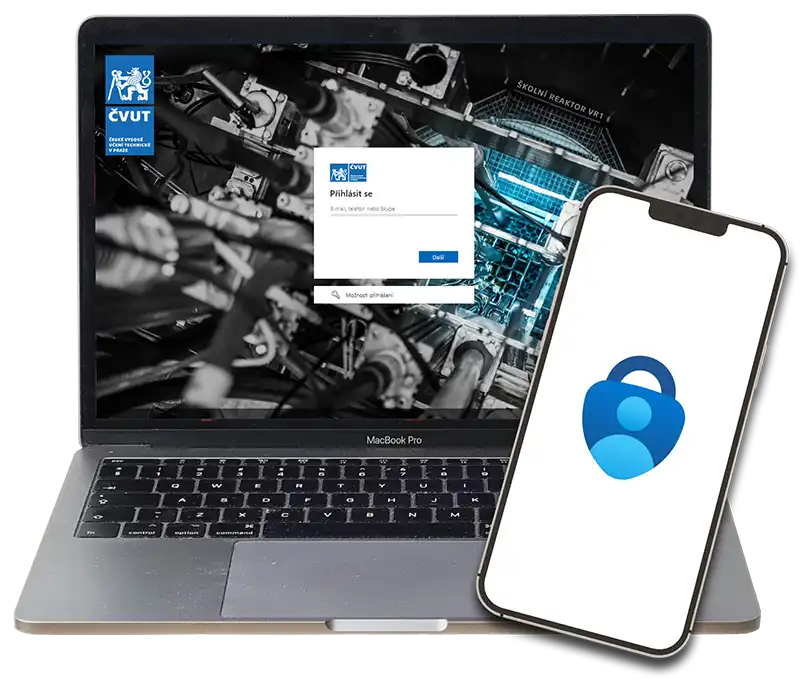
In addition to your username and password, a second factor will also be required to sign in – for example a mobile app – similar to online banking login.
It is mandatory for all users – employees, students, partners, and alumni.
What MFA methods are available?
- Microsoft Authenticator mobile app
- Windows Hello for Business
- USB FIDO2 security key
- Third-party TOTP authenticator app
It is possible to configure multiple authentication methods at the same time.
What happens if I don’t set up the second factor?
If you do not set up a second factor, you will not be able to sign in to CTU information system services, including email services and systems such as UserMap, FIS, KOS, AEDO, or Office365.